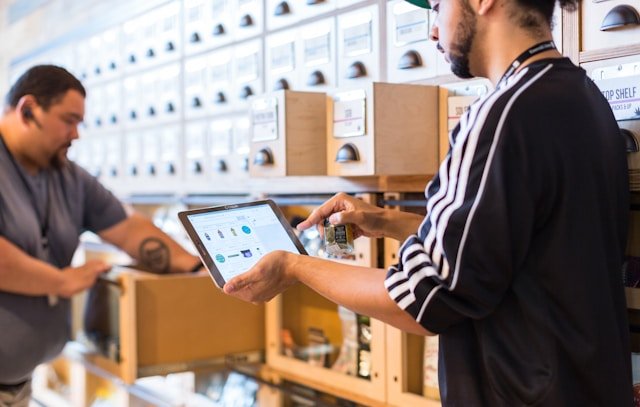

Implementing a POS system upgrade helps business owners eliminate operational friction that slows sales and frustrates staff. Outdated checkout systems often create delays, payment restrictions, inventory errors, and unresolved technical issues. Identifying these warning signs early allows merchants to modernize equipment before obsolete technology impacts revenue and customer satisfaction.
When should a business consider replacing its current checkout hardware?
Planning a POS system upgrade helps merchants eliminate checkout delays, inventory errors, and outdated payment limitations. A system change becomes necessary when recurring hardware or software problems interfere with normal operations. Identifying operational bottlenecks early prevents revenue loss and protects customer goodwill.
Watch for these five primary warning signs:
- Slow checkout: Long register lines during peak operating hours due to lagging processors.
- Frequent crashes: Unexpected system freezes, register reboots, and connectivity failures.
- Missing payment options: Inability to process digital wallets, contactless cards, or ATH Móvil.
- Stock discrepancies: Unreliable inventory synchronization between checkout registers and stock rooms.
- Ineffective support: Distant vendor support centers offering slow issue resolution during peak hours.
How do register slowness and system crashes impact daily operations?
Executing an upgrade for a POS system stops checkout delays by replacing legacy terminals with faster, more reliable payment technology. Slow registers create longer lines and increase pressure on cashiers. During busy periods, waiting customers may abandon their purchases entirely.
Unexpected downtime creates an even greater operational risk. Without automatic 4G LTE failover, a single network drop can halt credit card processing across all registers.
Common signs of hardware failure include:
- Unresponsive screens: Checkout screens taking several seconds to add individual items.
- Frozen terminals: Payment terminals freezing during card payment authorizations.
- Frequent reboots: Registers requiring daily hardware restarts to restore basic functionality.
- Offline disruptions: Internet outages stopping electronic transaction processing completely.
Why should your checkout platform accept contactless and local payment options?
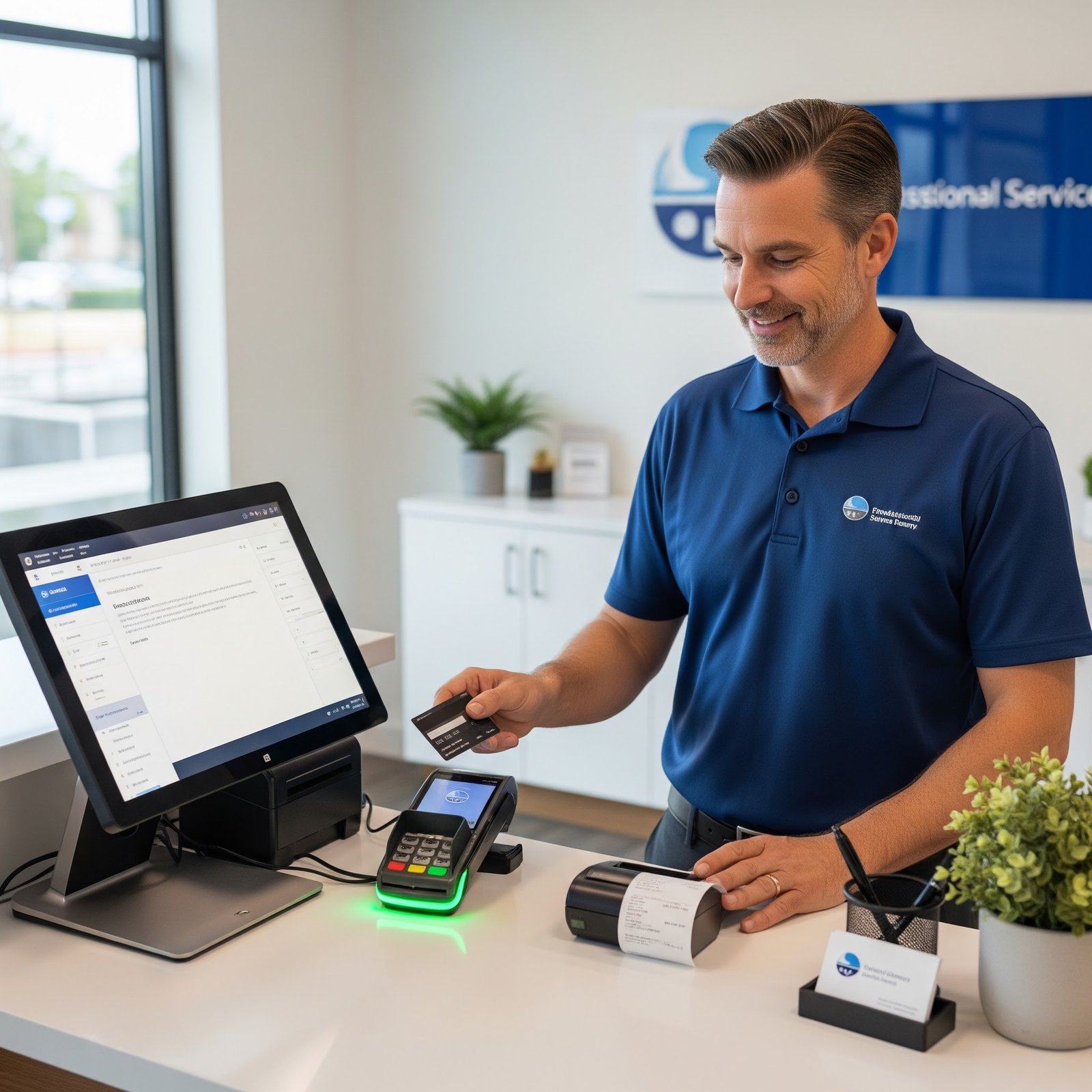
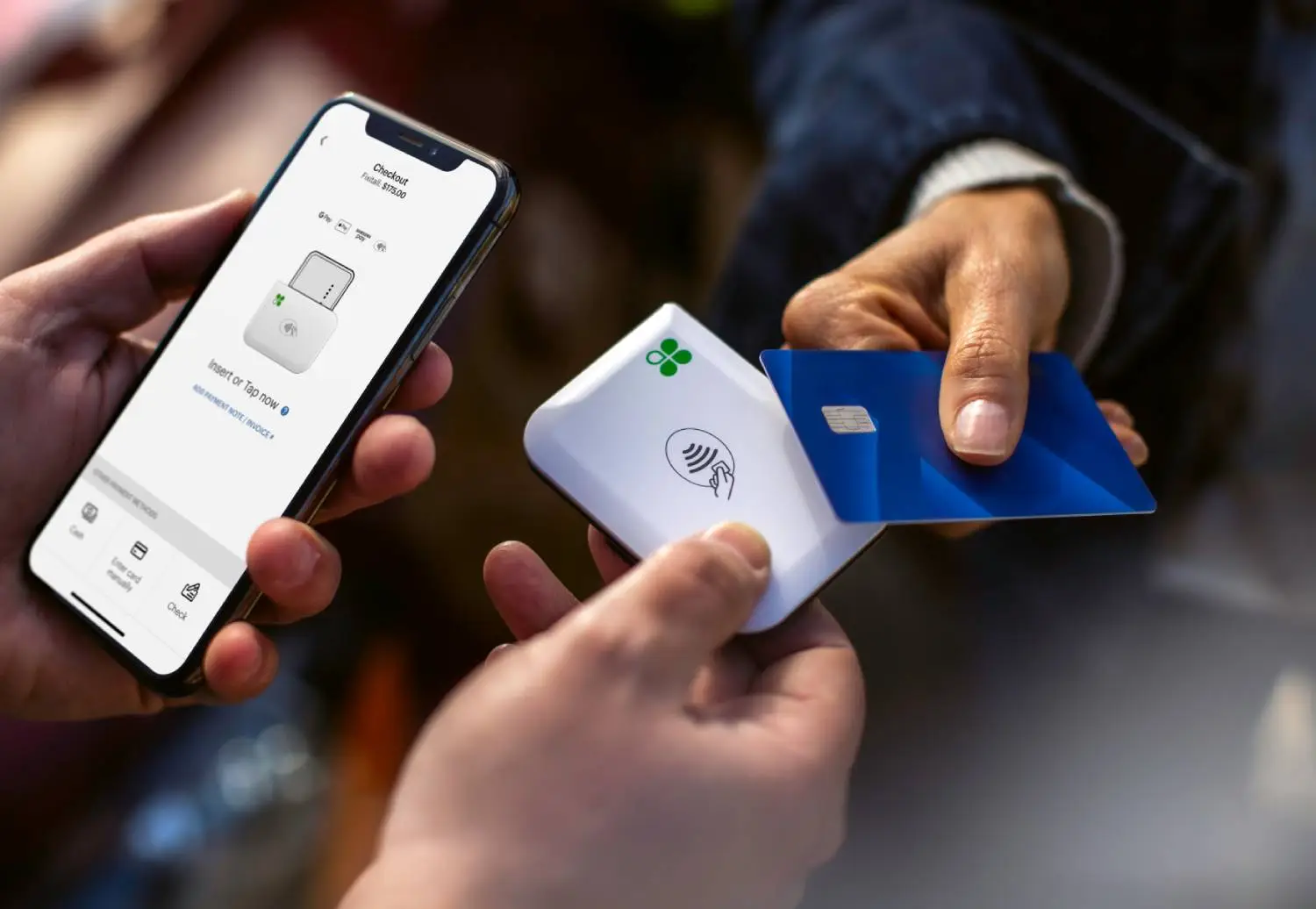
A complete POS system upgrade enables seamless acceptance for Apple Pay, contactless cards, and local Puerto Rico payment methods.
Limiting payment acceptance creates unnecessary friction at the register. Customers increasingly expect fast, flexible checkout options when making everyday retail or dining purchases.
Your payment platform should support:
- Digital wallets: Instant tap-to-pay processing for Apple Pay and Google Pay.
- Contactless cards: Rapid authorization for NFC-enabled credit and debit cards.
- Local payment networks: Direct processing for ATH Móvil and ATH Móvil Business accounts.
- Enhanced security: Built-in PCI-DSS compliance, encryption, and tokenization for transaction safety.
How do inventory errors and distant technical support affect store growth?
A strategic POS upgrade resolves stock discrepancies through real-time tracking while securing responsive local technical support.
Delayed data synchronization produces inaccurate stock levels, unexpected stockouts, and manual reconciliation work. These tracking errors grow more difficult to manage as product catalogs and sales volumes expand.
Slow technical assistance can leave terminals unusable for hours or days. This is particularly disruptive during holiday shifts, weekends, or peak sales events.
Essential support capabilities include:
- Live stock sync: Instant inventory deduction after every completed transaction.
- Automatic alerts: Low-stock notifications that prevent unexpected item stockouts.
- Local technical assistance: On-site hardware replacement and fast ticket resolution in Puerto Rico.
- Staff training: Dedicated onboarding resources for cashiers and store managers.
How does Brava ensure a seamless checkout system transition in Puerto Rico?
Brava simplifies your POS system upgrade by managing catalog migration, IVU tax configuration, hardware setup, and local team training.
Transitioning to new technology does not require rebuilding your store operations from scratch. Brava manages every technical step to ensure operational continuity throughout the transition.
Our end-to-end implementation process includes:
- Catalog migration: White-glove transfer of product lists, prices, and variant settings.
- Tax configuration: Pre-configured state (10.5%) and municipal (1.5%) IVU rates for SURI compliance.
- Hardware preparation: Pre-programmed Clover or Aldelo terminals ready for deployment.
- Hands-on training: On-site cashier onboarding to ensure operational confidence from day one.
- Ongoing assistance: Direct technical support based in Puerto Rico to resolve daily questions.
Is upgrading a POS system worth the investment?
Justifying a POS system upgrade involves comparing the cost of recurring downtime against the long-term value of efficient hardware.
Evaluating an upgrade requires looking beyond initial hardware costs. Compare the potential financial impact of faster checkout, fewer outages, accurate inventory tracking, and responsive technical service.
Key financial benefits include:
- Faster turnover: Increased daily revenue resulting from reduced checkout line waiting times.
- Operational continuity: Cellular 4G LTE backup preventing lost transactions during network drops.
- Fewer mistakes: Automated pricing and inventory updates reducing cashier entry errors.
Conclusion
Evaluating a POS system upgrade is ultimately about protecting daily store revenue and improving customer satisfaction. Outdated hardware, network instability, missing payment options, inventory errors, and distant support indicate that your current setup needs modernization.
Brava eliminates migration stress for Puerto Rico businesses by managing inventory uploading, IVU tax configuration, hardware deployment, and local staff training. Contact Brava today to schedule a free advisory call and assess your business upgrade requirements.
Preguntas Frecuentes
A POS system needs an upgrade when slow transactions, frequent crashes, limited payment options, or inventory errors become recurring operational problems. Upgrading resolves these bottlenecks and improves store efficiency.
Replacing outdated hardware improves transaction response times and reduces line waiting times during peak hours. Modern processors authorize card payments and digital wallet transactions in seconds.
Yes. Managed POS migration services transfer existing product databases, pricing matrices, and stock records into the new system. This process eliminates the need to manually re-enter catalog items.
Brava handles catalog importing, IVU tax setup, hardware configuration, and staff training across Puerto Rico. We also provide ongoing local technical support to ensure smooth daily operations.