
Choosing a POS system with a cash register involves more than comparing prices or transaction fees. The right solution helps you process payments, manage inventory, track sales, and improve daily operations.
Many business owners focus only on payment processing costs. Later, they discover hidden fees, limited integrations, or poor customer support. Understanding what to evaluate before making a decision helps you choose a solution that supports your business today and as it grows.
What features should a POS system with a cash register include?
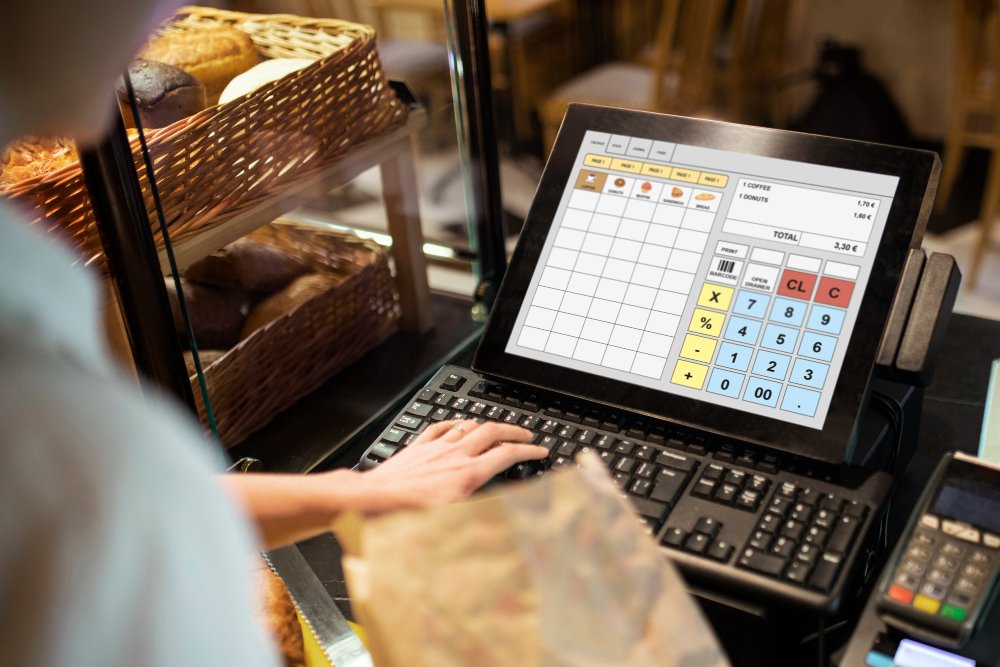
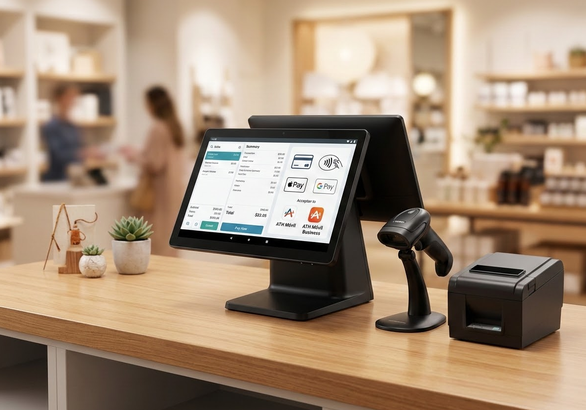
A POS system with a cash register combines payment processing, sales management, reporting, and inventory control in one platform. Beyond accepting payments, modern systems help businesses track stock, manage employees, review sales performance, and streamline daily transactions.
Traditional cash registers mainly record transactions and manage cash, while modern POS systems connect payments with inventory, reporting, and other business tools.
When evaluating options, look for:
- Multiple payment acceptance methods for customer convenience.
- Inventory management tools to track stock in real time.
- Real-time sales reporting for better decision-making.
- Secure payment processing to protect cardholder data.
- Customer management features to build loyalty.
- Reliable technical support during operating hours.
- Scalability for future business growth.
Why shouldn’t transaction fees be the only factor when comparing providers?
Transaction fees represent only one part of the total cost when evaluating a POS system with a cash register. Many providers advertise attractive rates but include additional charges that increase operational expenses over time.
These costs may not be obvious during the initial comparison process, which leads to unexpected financial surprises down the road. Looking beyond the base percentage helps you calculate the true cost of operating your equipment every month.
Common expenses to review include:
- Monthly service fees and gateway costs.
- Equipment costs or hardware rental fees.
- Early termination fees for long-term contracts.
- Inactive account charges and hidden penalties.
- Software subscription costs for advanced features.
Which payment methods should your business accept?
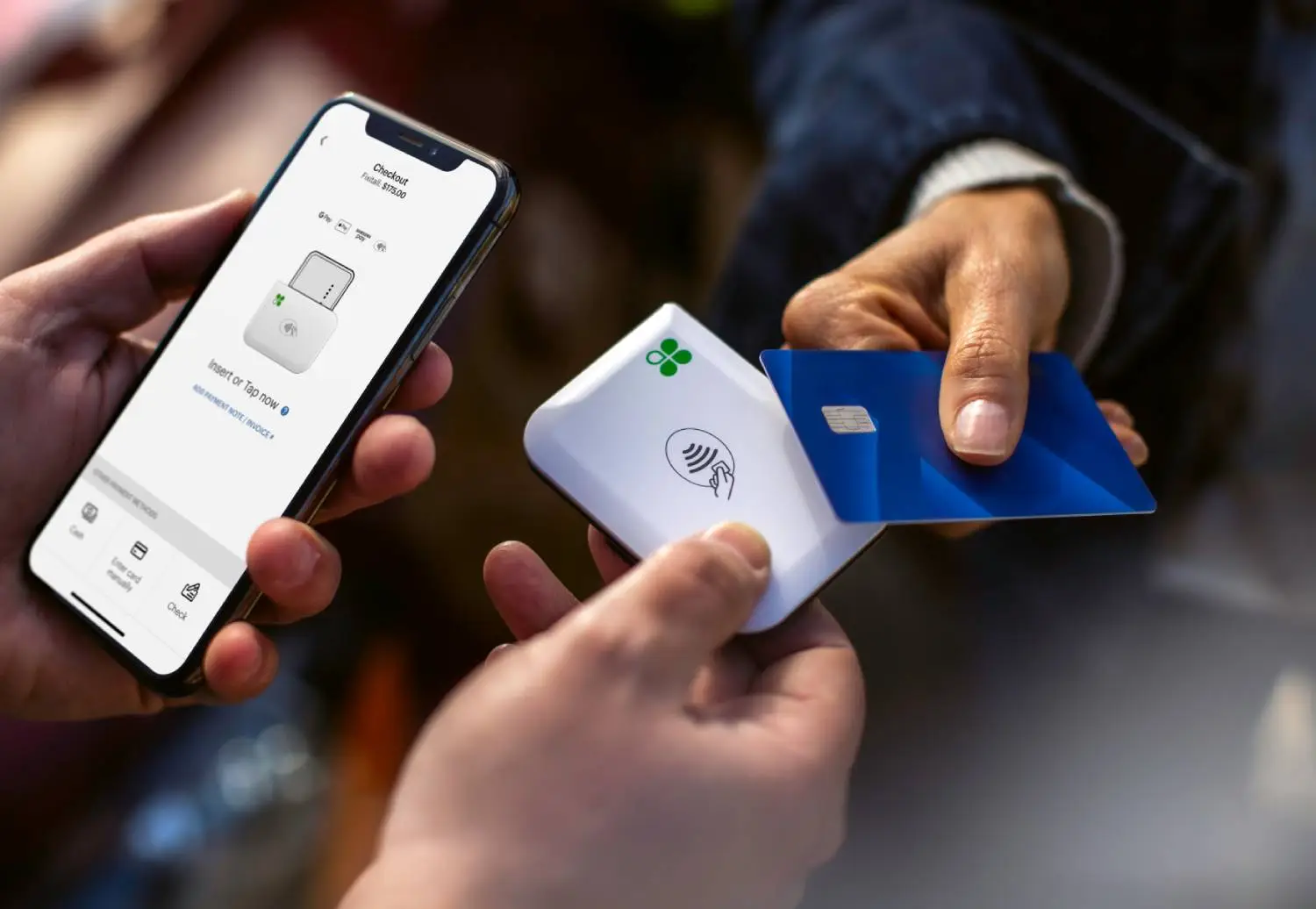
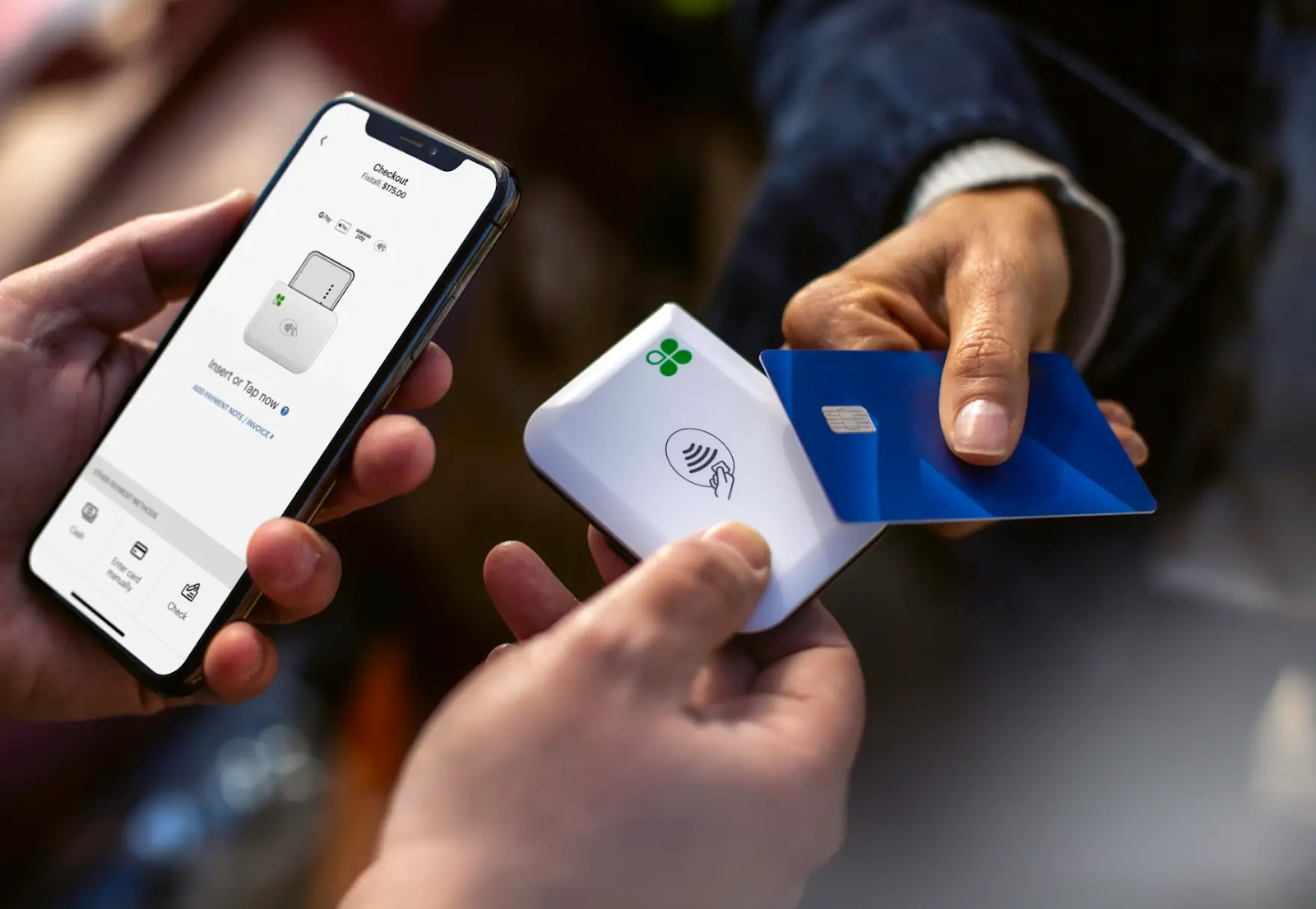
A modern POS system with a cash register must accept all customer payment preferences, including cards and digital wallets. Consumer expectations continue to evolve rapidly in the retail and service sectors.
Customers want convenient and secure ways to pay, whether they shop in person, online, or through mobile channels. Limiting payment options often results in lost sales and frustrated buyers who prefer alternative checkout methods.
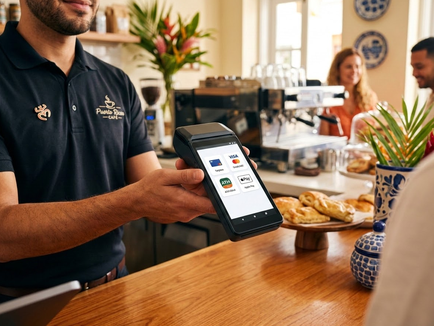
For businesses in Puerto Rico, payment flexibility is especially important. A payment solution should support:
- Major credit and debit cards.
- Contactless payments like Apple Pay and Google Pay.
- ATH Móvil for local payment preferences.
- Mobile payment options for sales on the go.
How does payment processor integration affect your POS system?
Seamless payment integration in a POS system with a cash register eliminates manual data entry and inventory errors. When systems do not communicate properly, businesses often face duplicate data entry, reporting inconsistencies, and inventory errors.
A well-integrated solution allows payment information to flow automatically through the system. This creates several advantages:
- Automatic sales recording after every transaction.
- Real-time inventory updates to avoid stockouts.
- Faster reconciliation processes at the end of the day.
- More accurate financial reports for management.
Why is technical support critical for business continuity?
Reliable technical support for a POS cash register system prevents costly operational downtime during peak business hours. A system failure during peak hours directly impacts your daily revenue and customer satisfaction.
Fast access to support becomes essential in these situations to keep lines moving and sales processing without interruption.
When evaluating providers, consider:
- Support availability during peak business hours.
- Response times for urgent technical issues.
- Training resources for new employees.
- Local assistance options within Puerto Rico
What security features should a payment solution provide?
A secure POS cash register system protects customer cardholder data and reduces fraud through encryption and PCI compliance. Payment security is essential for maintaining customer trust and protecting sensitive financial data from cyber threats.
Businesses should verify that providers follow established security standards and offer tools that help prevent fraudulent transactions before they impact operations.
Important security features include:
- PCI-DSS compliance for transaction security.
- Encrypted payment processing at the terminal level.
- Secure customer data storage practices.
- Fraud detection tools and chargeback support.
- User access controls for staff members.
How can you evaluate reporting capabilities and scalability?
Reporting capabilities in a POS cash register system provide real-time visibility into sales performance and inventory levels. Reporting tools allow business owners to understand sales performance, identify trends, and make informed decisions.
Without accurate data, improving operations and planning future purchases becomes much more difficult.
Useful reports often include:
- Sales by product: Track performance across categories and items.
- Employee performance: Monitor sales and hours per team member.
- Peak business hours: Identify busy periods to optimize staffing.
- Inventory trends: Receive automatic reorder alerts for low stock.
How does Brava help businesses choose the right payment and POS solution?
Brava helps businesses choose the right POS system with a cash register by evaluating operational needs and long-term goals.
Instead of offering a one-size-fits-all solution, Brava analyzes factors such as transaction volume, industry requirements, payment preferences, and growth plans. This approach helps businesses select technology that supports their specific goals without paying for unnecessary features.
Conclusion: choosing a POS system with a cash register i
Selecting a POS system with a cash register involves much more than comparing transaction fees. Payment methods, system integration, technical support, security, reporting capabilities, and scalability all influence daily operations and long-term performance.
A well-designed solution can simplify management, improve visibility, and support business growth. Evaluating these factors carefully allows you to choose technology that fits your current needs while preparing your business for future opportunities. Let’s talk
Preguntas Frecuentes
Yes. A POS system with cash register can automatically update inventory after each sale, helping businesses track stock levels and reduce manual inventory management tasks.
No. Some systems have limited payment capabilities. Businesses should verify support for contactless payments, Apple Pay, Google Pay, and other preferred payment methods before choosing a provider.
Payment processor integration is important because it reduces manual work, improves reporting accuracy, and ensures that sales and inventory data remain synchronized.